💻 Windows · CrossUpload
CrossUpload for Windows
Manage your CrossUpload files from the PC: upload folders, sync what you choose, and open documents and images without relying on the browser.
Here’s how it looks on your PC
Sample screenshots of the Windows client: explorer, uploads, viewer and settings.
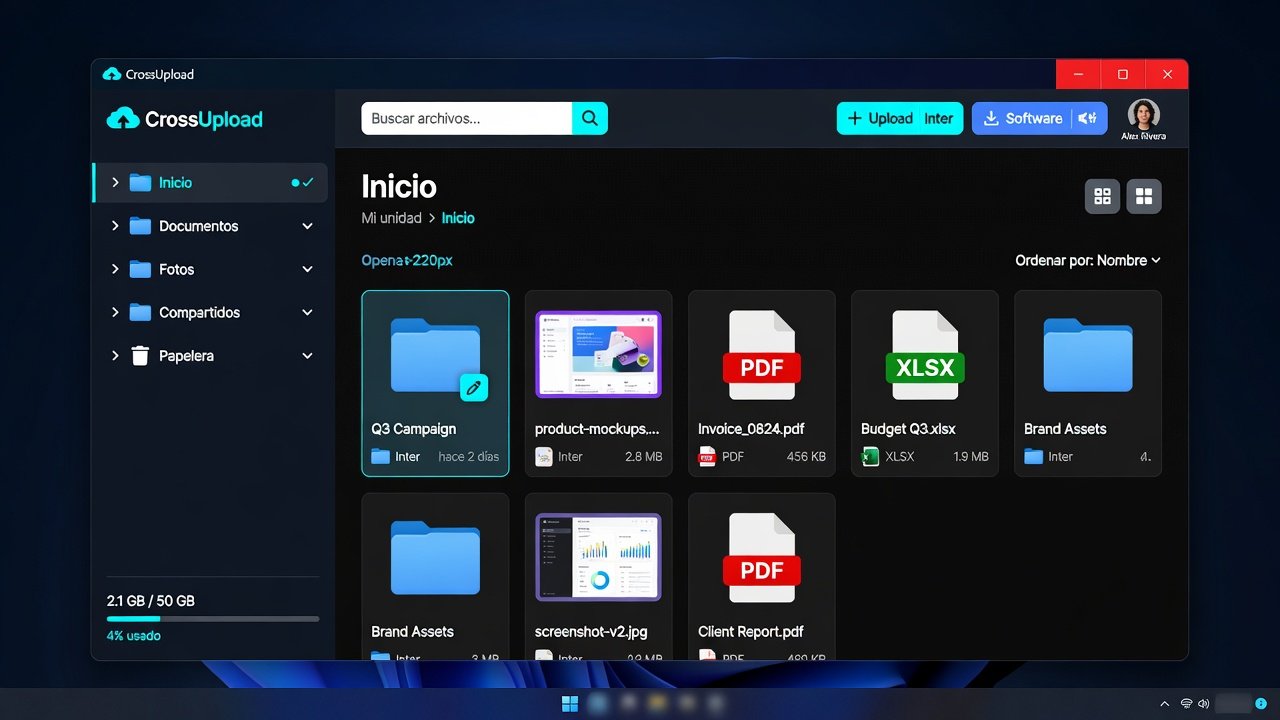
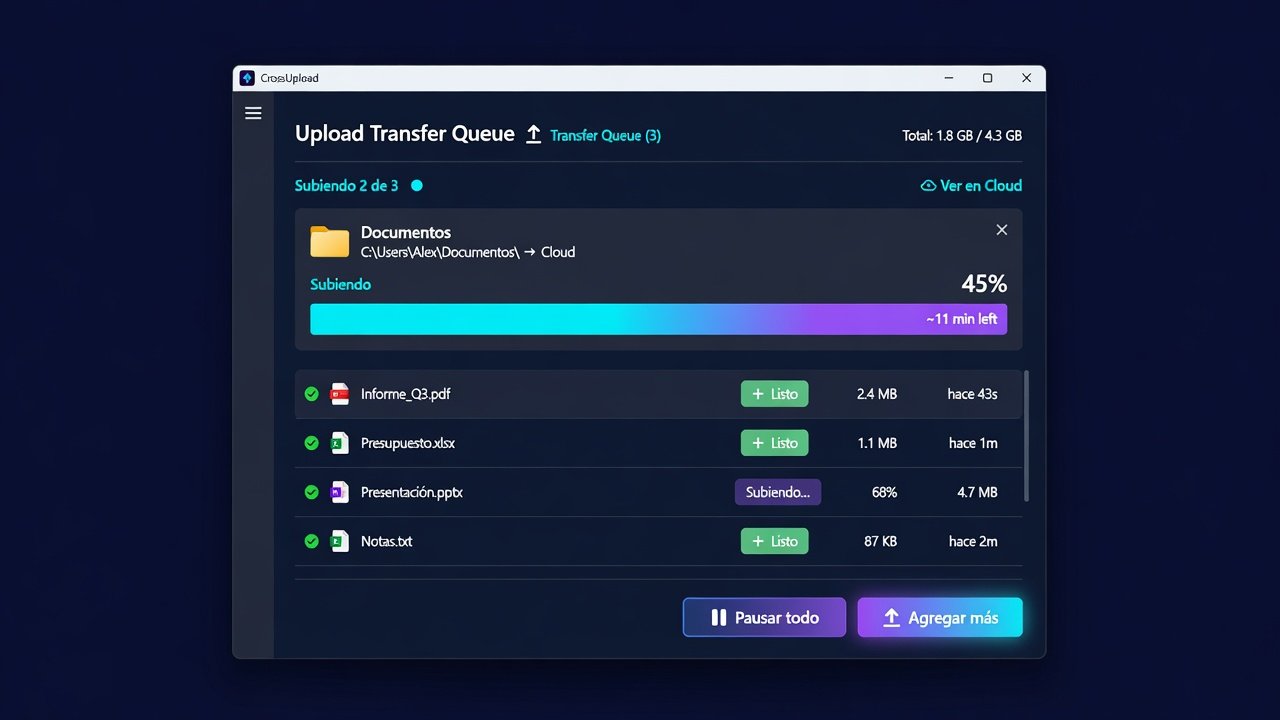
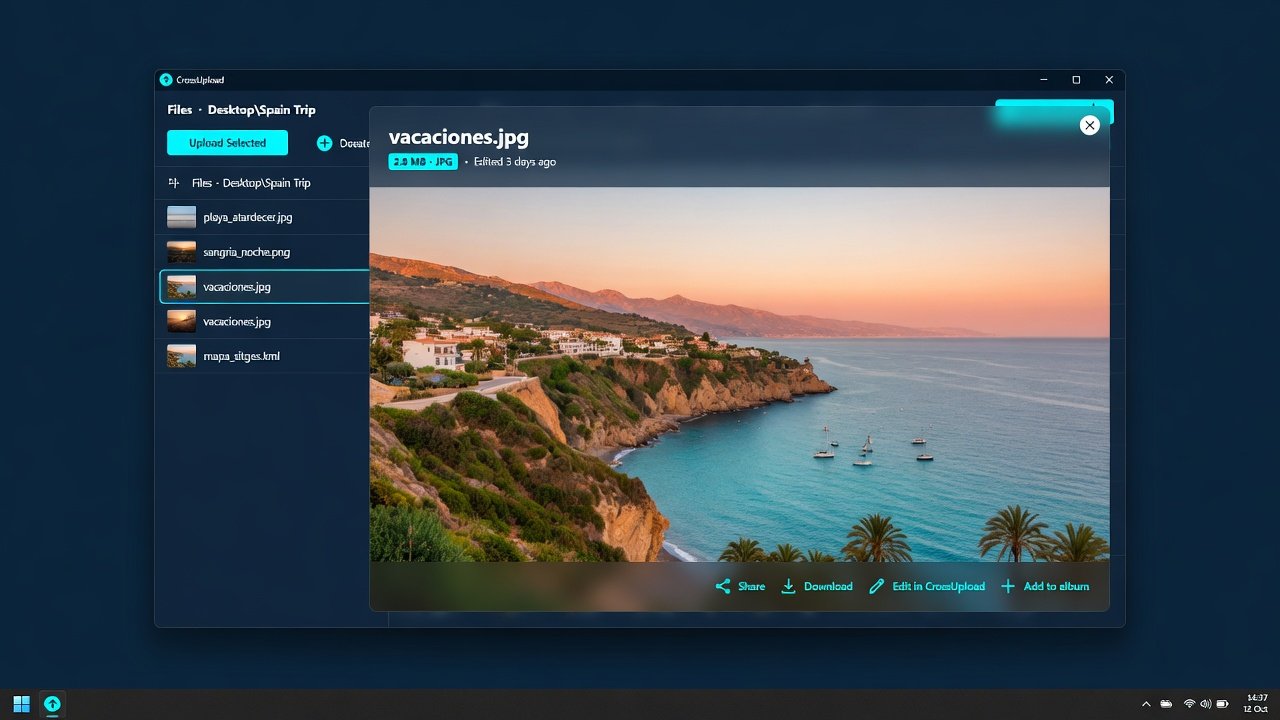
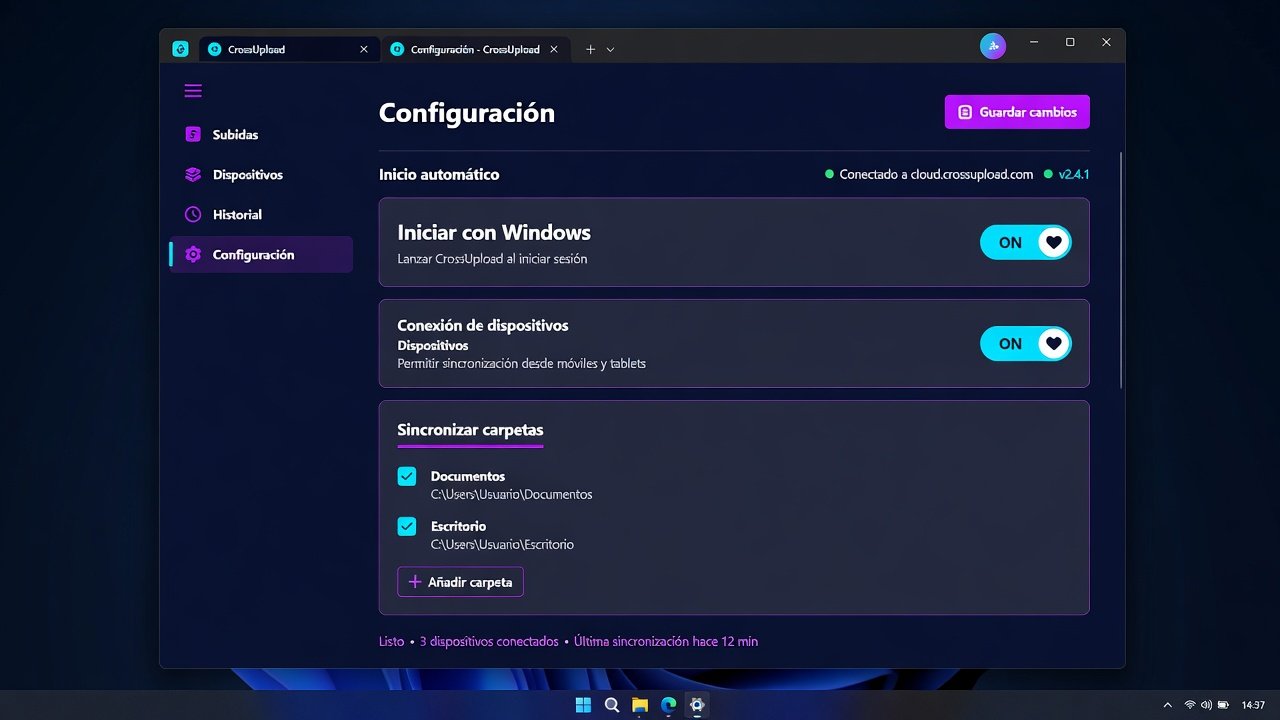
Illustrative example images. The UI may vary by version.
Why the desktop app?
Everything you do on the web, with a native Windows experience.
Upload an entire PC tree. It is stored in the cloud with the same name (Documents, Desktop…).
Device folder and access from Windows File Explorer.
Folders you uploaded update when you change files later on the PC.
Images, PDF and Excel in the app. When you save, the same cloud link stays.
Public or private links, just like on the web.
System tray and start with Windows (you can turn it off in Settings).
How to install
- DownloadClick Download for Windows and save the installer.
- InstallRun the file and follow the steps.
- Sign inUse your CrossUpload account or Google.
- DoneYou will see the same files as on the web.
Requirements: Windows 10 or 11 · WebView2 (already on most PCs).
Coming soon
Android app
Take CrossUpload on your phone with the same account. The Android version is on the way.
FAQ
Is it the same account as the website?
Yes. Sign in with the same username, email or Google. Your files are the same.
Do I need the browser?
Not day to day: it is a Windows app. The website remains available whenever you want.
Where are files stored?
In your CrossUpload cloud account. The PC never holds the file-server secret.
Will there be Android or Mac?
Android is coming soon. For now the official software is for Windows.
Get started on your PC
Download the client or create a free account on the web.